Latest article
Rebuilding a 15-Year-Old AutoCAD Tool with AI
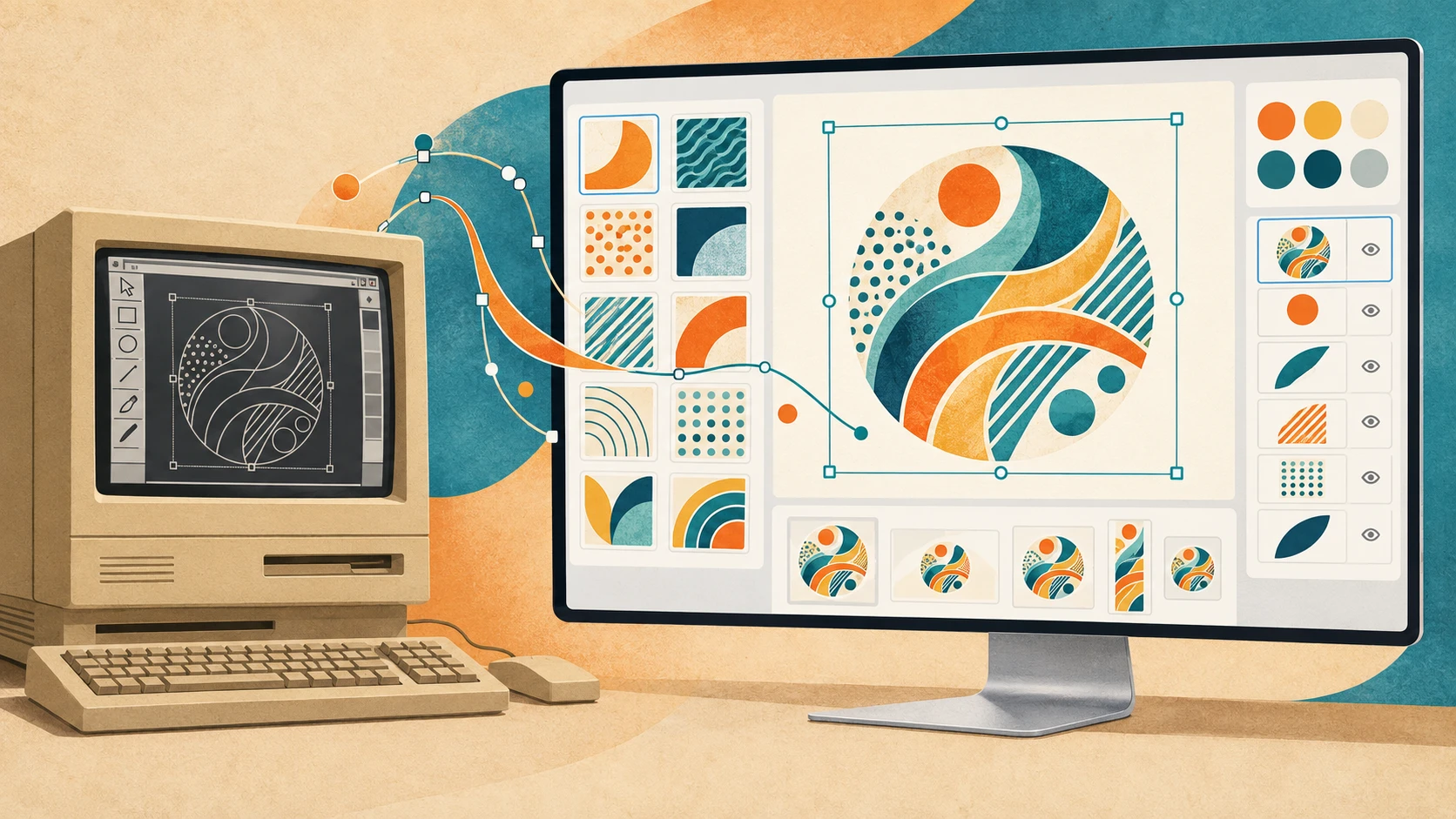
At the company where I work, we had a custom editor running inside AutoCAD on Windows XP, kept alive in a VirtualBox machine. We'd commissioned it from external developers to create images in various formats, combining predefined drawings and colors.
Using it had always been troublesome, and the experience wasn't exactly user-friendly. Maintaining it meant relying on an old environment and external collaborators with knowledge we didn't have ourselves.
About a week before writing this article, I decided to do something about a problem we'd been living with for more than 15 years.
I don't have experience with AutoCAD, but I do have experience building modern applications. I knew where I wanted to take the software. Understanding what we already had was another matter.
I used GPT-6 Astra and GPT-6.1 Sol to help bridge that gap. With their help, I rewrote the application and integrated it into our existing backend and frontend.
Preparing a Plan
The most important part was preparing a plan. I wrote down the steps in PLAN.md, making image generation the first priority. The goal was to preserve the images' appearance and output formats, along with all the editor's features.
I also supplied all the original files from the AutoCAD project. Then, with GPT-6 Astra set to max, I refined the plan into a final version we could work from.
Recovering the Drawings
The old application depended on DWG drawings. Those files contained geometry, patterns, filled areas, and color relationships that the replacement needed to preserve. Recovering that geometry and converting it into SVG assets was one of the most interesting parts of the rewrite.
The recovery pipeline used LibreDWG to convert the drawing into DXF, then ezdxf to read its contents. From there, we could extract coordinates and turn the drawing entities into SVG paths. Filled regions, color assignments, and different drawing variants all needed attention too.
This preserved the original coordinates and proportions in a form the new renderer could use. We also recorded where the recovered assets came from and which tools had been used to convert them.
The conversion happens offline, during development. The application uses the recovered assets, so it doesn't need AutoCAD or the conversion tools to generate images. The old files became source material for software that could run independently of the environment that had produced them.
Geometry Is Only Part of the Job
Getting the coordinates out of a drawing doesn't mean the finished image will automatically look right.
The old system had conventions that needed to be understood: how colors were assigned, which regions inherited a color, how drawing variants differed, and how text and shading appeared in the final output. Some references and assignments needed correction during recovery.
There were also multiple output requirements. The replacement generates nine image formats with specific dimensions and file types. Different visual layouts have their own geometry; they aren't all simple resizes of the same picture.
So the old exported images mattered as much as the drawings. They gave us something concrete to compare the replacement against.
We added regression tests to catch changes in rendering, alongside checks for image dimensions, encoding, and color behavior. Visual comparisons with the old output helped identify places to inspect. We still needed to look at the results, and the tests cover samples of the possible designs rather than every conceivable combination.
Precise geometry alone doesn't guarantee identical pixels. Text, shading, and the way the renderer turns paths into pixels all affect the final image.
Bringing It into the Application
The replacement is now part of our existing application. A shared TypeScript renderer handles both browser previews and server-side image generation, integrated with the PHP/Symfony backend.
Sharing the rendering logic gives the preview and the generated files a common foundation. We can work on the behavior in code we control, using the tools and development practices we're already familiar with.
The surrounding work mattered too. We had to handle saved data, validation, failed operations, and concurrent changes. Those areas needed fixes and follow-up work, just as the images did.
It was an iterative software project. Having AI available didn't make those requirements disappear.
Taking Control of the Software
My experience with modern tools gave me a way to build and integrate the replacement. AI helped me work through the unfamiliar AutoCAD side and recover material I wouldn't have known how to approach on my own. I could bring a goal and relevant development experience, then get help with the part where my knowledge ran out.
I'm still not an AutoCAD expert. But I was able to take an application tied to that environment and turn it into something we can understand, maintain, and extend ourselves.
The biggest result is that we now have full control over the application's maintenance and future development. We no longer need to keep the old environment alive for this workflow or depend on external collaborators to change it.
For me, that's a pretty good use of AI.